
HOA accounting software for boards that already have an accountant
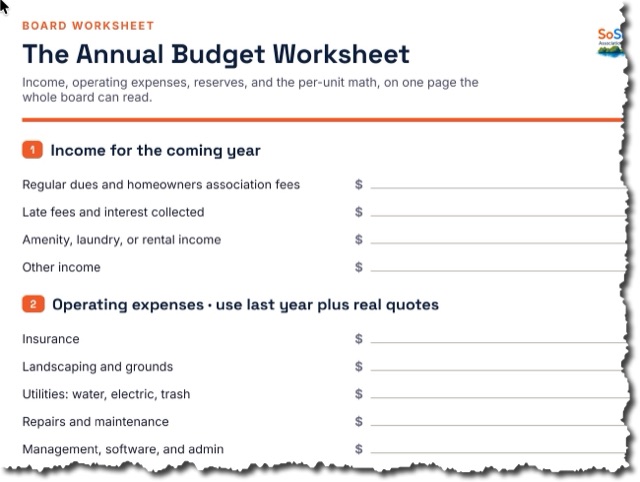
SoShiny collects your homeowners association dues online, itemizes every fee for the owner, and settles the money to the association's own bank account. The ledger work stays in QuickBooks, where your treasurer already lives.
What most boards actually need from accounting software
Search for HOA accounting software and you get two extremes: enterprise general ledgers built for management companies, and spreadsheets. Most self-managed boards need neither. They need dues collected on time, a clear record of who paid, and financials their accountant can work with.
SoShiny covers the collection side completely and stays out of your accountant's way on the rest.
Dues collection, built in
- Bank transfer or card. Owners pick. ACH keeps costs low, cards are there for convenience at a 4% fee the payer sees up front.
- Autopay. Owners enroll once and monthly homeowners association fees collect automatically, with scheduled retries and human follow-up when a payment fails.
- Itemized fees. The checkout shows the dues line, the processing cost, and the convenience fee separately. The board can absorb fees instead if it prefers.
- Your bank account, not ours. Funds settle through Stripe directly to the association's account. SoShiny never holds community money.
- A collections trail. Who paid, who is late, what bounced, and when the board was told.
Where QuickBooks fits
Your treasurer keeps the chart of accounts, the reserve accounting, and the year-end reports in QuickBooks. SoShiny gives them clean payment records to work from instead of a shoebox of checks. If you want deeper built-in accounting than that, we say so plainly on our comparison pages: platforms like Buildium carry a full general ledger and win that row.
The rest of the board's year is included
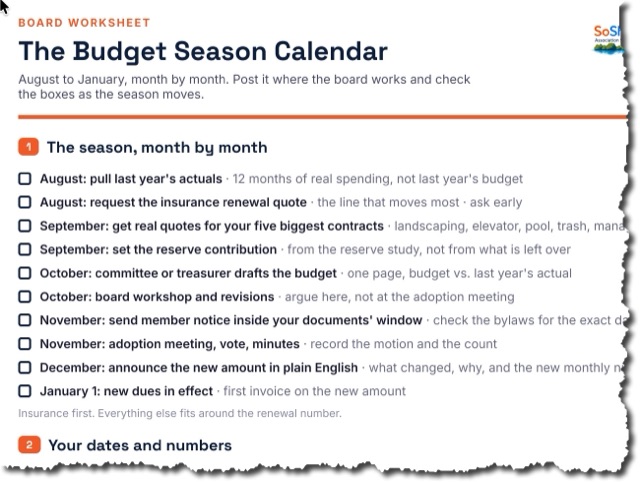
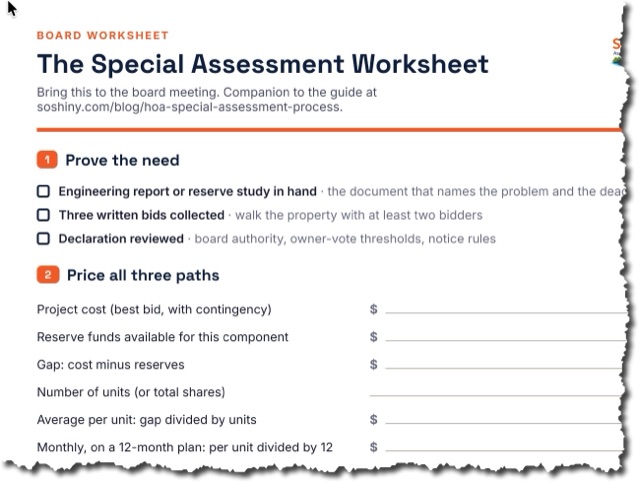
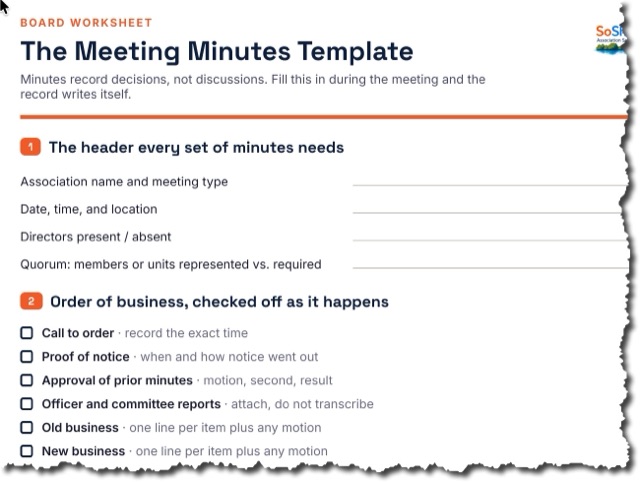
Dues are one line item. The same $25-a-month plan runs your elections, meetings and minutes, violations, public website, and document vault. See the plain-English guide to collecting dues and the money and finances glossary for the vocabulary.
FAQ about HOA accounting and dues collection
Is SoShiny a full HOA accounting system?
How does SoShiny collect HOA dues?
What does dues collection cost the association?
Can owners see where the fees go?
Does SoShiny track delinquent accounts?
How much does SoShiny cost?
Collect next month's dues online
Every feature on every plan. $25/mo base + $0.33 per unit. 30-day free trial, no card required.
Get started free