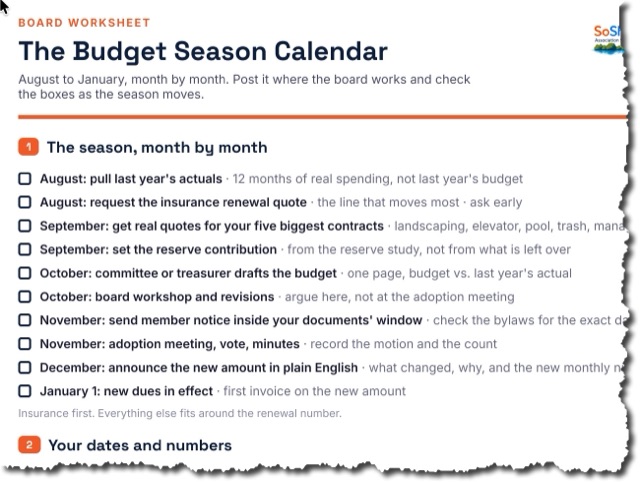
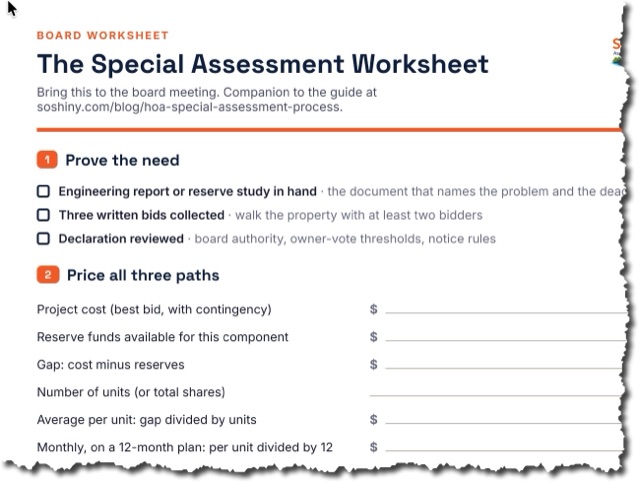
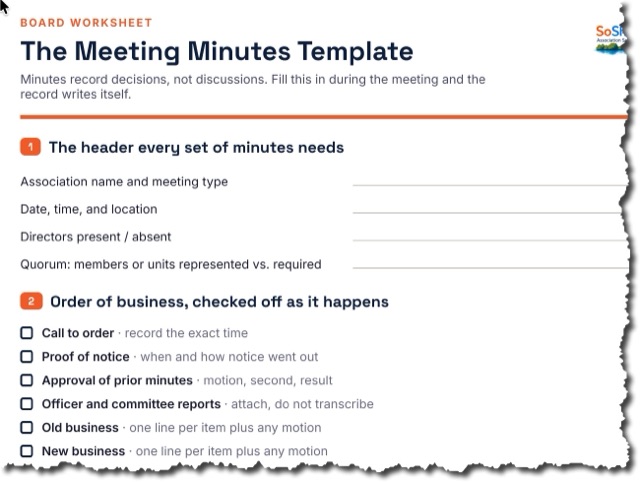
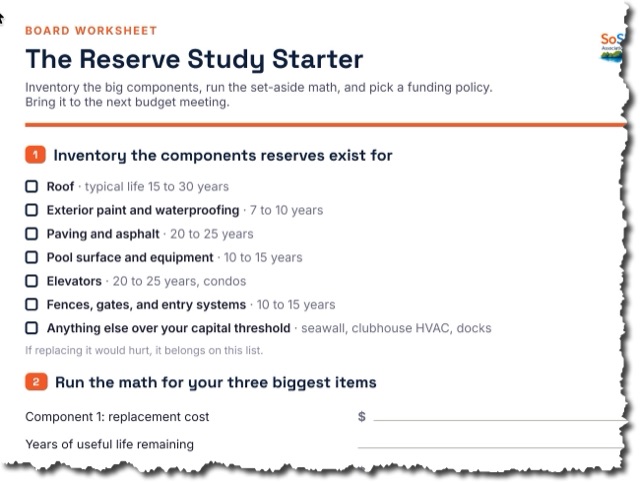

Chairs, members, and a flyer to recruit. The roster lives here.
Chairs, members, owner self-join, and a printable flyer — committees that actually function.
A full committee management workflow. Define the committee (ARC, social, landscape, security, etc.), assign a chair, manage members, and let interested owners self-nominate. Committees have their own document libraries and communication channels inside SoShiny.
How it works
Create a committee. Assign a chair and members. Set a description and purpose. Owners interested in joining can self-nominate from the resident portal. Each committee gets a documents folder, calendar, and communication channel.
How real communities use it
Condo: A Florida condo doubled its committee volunteer base in 90 days by enabling self-nomination through SoShiny.
HOA: An HOA's landscape committee runs entirely inside SoShiny with its own document library and meeting calendar.
Marina: A marina's racing committee uses SoShiny to manage members, race calendar, and rules without a separate Facebook group.
Campground: A campground's social committee plans events with self-nominated volunteers — replacing the old email-chain coordination.
Pairs well with
What you get
Guides and terms for this feature
- From the blogThe Florida Condo Violation Workflow, Step by Step
- FeatureElectronic Signatures
- FeatureSign Any PDF
- GlossaryCommittee
Set up your association in five minutes.
No credit card. Cancel anytime.
Built for

Condo Association Software That Boards Actually Use
Owners can never find the rules and the board lives in a buried email thread. SoShiny puts your declaration, bylaws, votes, and documents in one searchable portal — plus a free pub…
Cooperative Association Software Built for Co-op Boards
Housing co-ops are not condos and not HOAs — shareholders, proprietary leases, and a board of directors that has to actually enforce the bylaws. SoShiny gives your co-op a searchab…

HOA Management Software Without the Manager Markup
Most boards pay a management company per door for software they barely touch. SoShiny gives your HOA the same tools — violations, voting, documents, directory, and a public website…

Marina Management Software for Slips, Members & Boats
Slip assignments live in a spreadsheet and insurance certificates expire without anyone noticing. SoShiny tracks your members, vessels, slips, and COIs in one portal — with amenity…

Software for Mobile Home Parks & ROCs
Resident-owned mobile home communities, manufactured-housing co-ops, and 55+ parks. SoShiny gives the board a single portal for lot management, online voting, park rules, and share…

Software for Deed-Restricted Communities & POAs
Recorded covenants. Architectural review. Per-lot compliance. SoShiny gives your POA or deed-restricted subdivision a single portal for the covenants residents agreed to, the ARC r…

55+ Community Software Residents Can Actually Read
Too much community tech assumes everyone has a smartphone and 20/20 vision. SoShiny meets residents where they are — a lobby announcement TV, plain email broadcasts, and clear, lar…