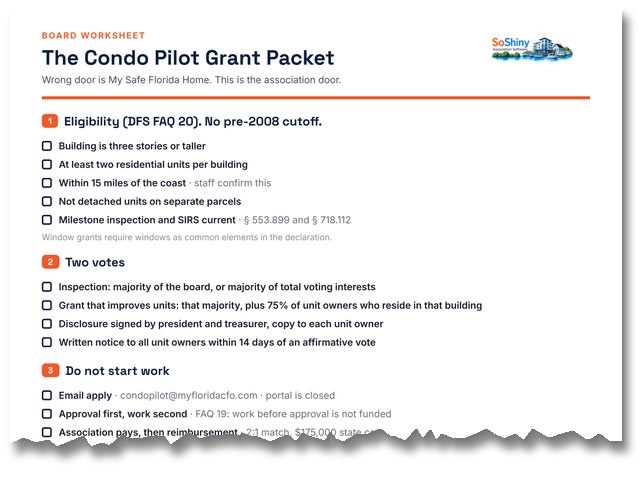
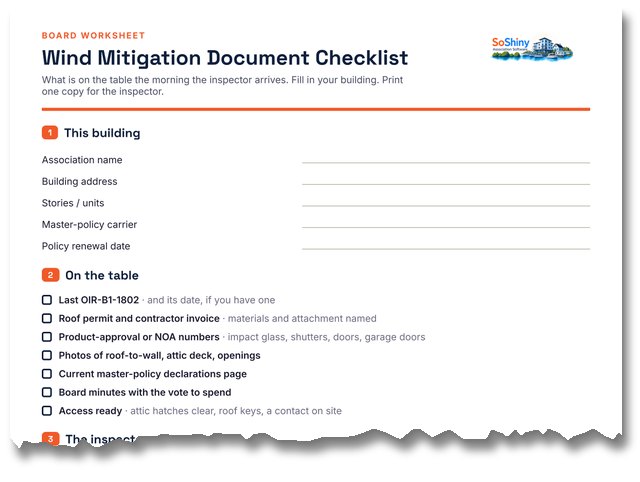
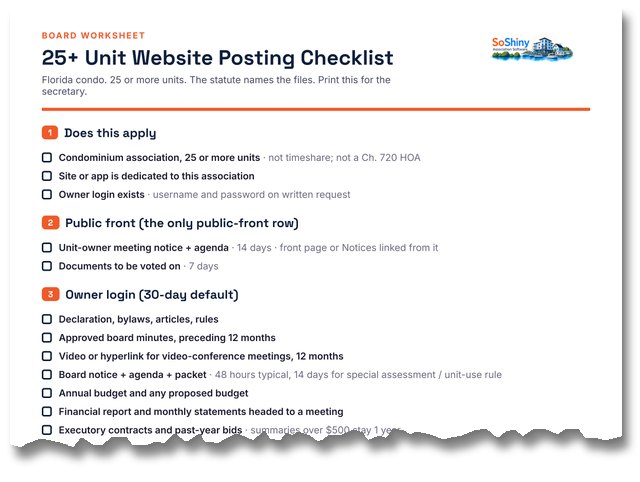
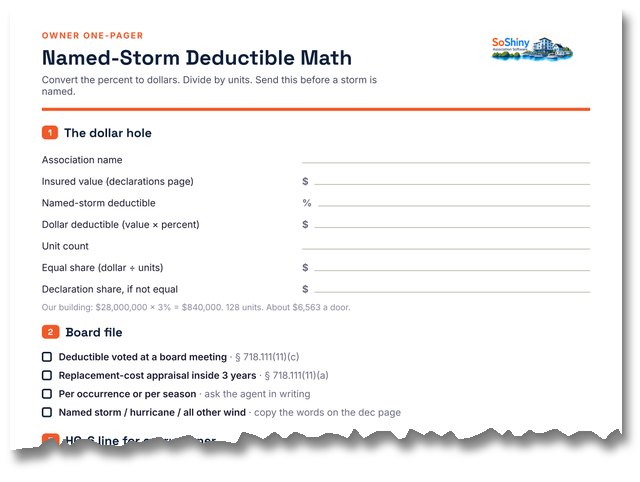
Images now have alt text
Public pages, association landing sites, and the board dashboard describe photos instead of leaving alt blank. Feature cards fall back to the feature name when a custom alt is missing.
Sample board on the homepage is readable again
Get the word out and Get things done were painting white type on a white pane. All three columns are navy now, so the sample numbers show.
Listen on Apple, Spotify, and RSS are real buttons
HOA Case Files uses badge buttons on the show page and each episode, not a line of text links.
Expired vendor certificates say expired
The public vendor upload page no longer treats a lapsed insurance date like a missing file. It asks for a current certificate. A PDF with a past date is not current.
Podcast page gets to the episode faster
HOA Case Files Podcast leads with the title, tagline, and player. No giant cover under the intro.
Phone menu scrolls to the last item
Long groups such as Resources no longer run off the bottom of the phone drawer.
Done Getting started steps stay openable
Checked-off steps on Getting started keep an Open button, so you can import a second list without un-doing the check.
Vendor search finds email, city, and legal name
On Vendors, the list filters as you type — name, email, phone, trade, or city. The top-bar Search everything box now matches those same fields on a vendor, including legal name. A broken vendor query no longer fails silently.
Vendor search finds phone numbers with or without dashes
On Vendors, typing 2222909 now finds a vendor saved as 386-222-2909. Same for after-hours numbers and tax IDs. Global search gets the same phone match.
Community claim cards are readable in dark mode
The admin claim queue used a hardcoded white card with dark-theme ink, so the county line and field labels washed out. Cards now use the theme panel surface and heading color.
Author names are readable in dark mode
The Authors admin cards used a hardcoded white background with light theme-ink, so writer names washed out. Cards now use the theme panel surface and heading color.
Board members who connected the HOA bank type their own account to pay
If the same login connected the association payout account, bank checkout no longer opens Stripe’s saved-bank screen (that still knew the HOA account after logging out of Stripe). It asks for routing and account numbers instead. Card is unchanged.
HOA payout login stays on the association email
Connecting the association bank no longer leaves Stripe on the board member’s personal email. Owner checkout for that person is a personal bank or card, not the HOA payout account.
Directory warns when one login is on more than one unit
Editing a member who owns two units used to look like two people. The edit screen now says which units share that login, so an email or password change is not a surprise.
Approving a claim marks the public listing claimed
Marking a community claim Approved now takes the listing off the unclaimed list. The page shows Claimed instead of asking another board to claim it, even before the SoShiny account is provisioned.
Changelog text no longer shows raw HTML tags
Release notes with formatted paragraphs were displaying the literal tags on the public changelog and in the admin list. They now render as readable text (and the admin list strips tags for the preview).
Fixed
Aug 6, 2026
Dark mode text that disappeared
In dark mode, some text went invisible: bolded phrases pasted into resolutions and minutes, and the body of every rich-text editor. Editors are now always a light writing surface no matter the theme, and pasted-in colors can no longer fight the page.
Fixed
Aug 4, 2026
Rules search front and center, and working on phones
Two improvements to the Rules and Bylaws page. The governing-documents explainer now starts collapsed, so the search box is the first thing you see instead of sitting below a big table. Tap the explainer open whenever you need it. And on phones, the page no longer scrolls sideways: the search bar stacks neatly (search box on top, filters below, button underneath) where it used to get squeezed to nothing, and long web addresses in rule text wrap instead of stretching the page.
Fixed
Aug 2, 2026
Pressing I have returned now brings you home right away
Marking yourself returned from a trip left you showing as away for the rest of the day, since your return date still counted as an away day. An explicit return now ends the trip immediately, and a trip marked returned on the same day it started is treated as never having been away.